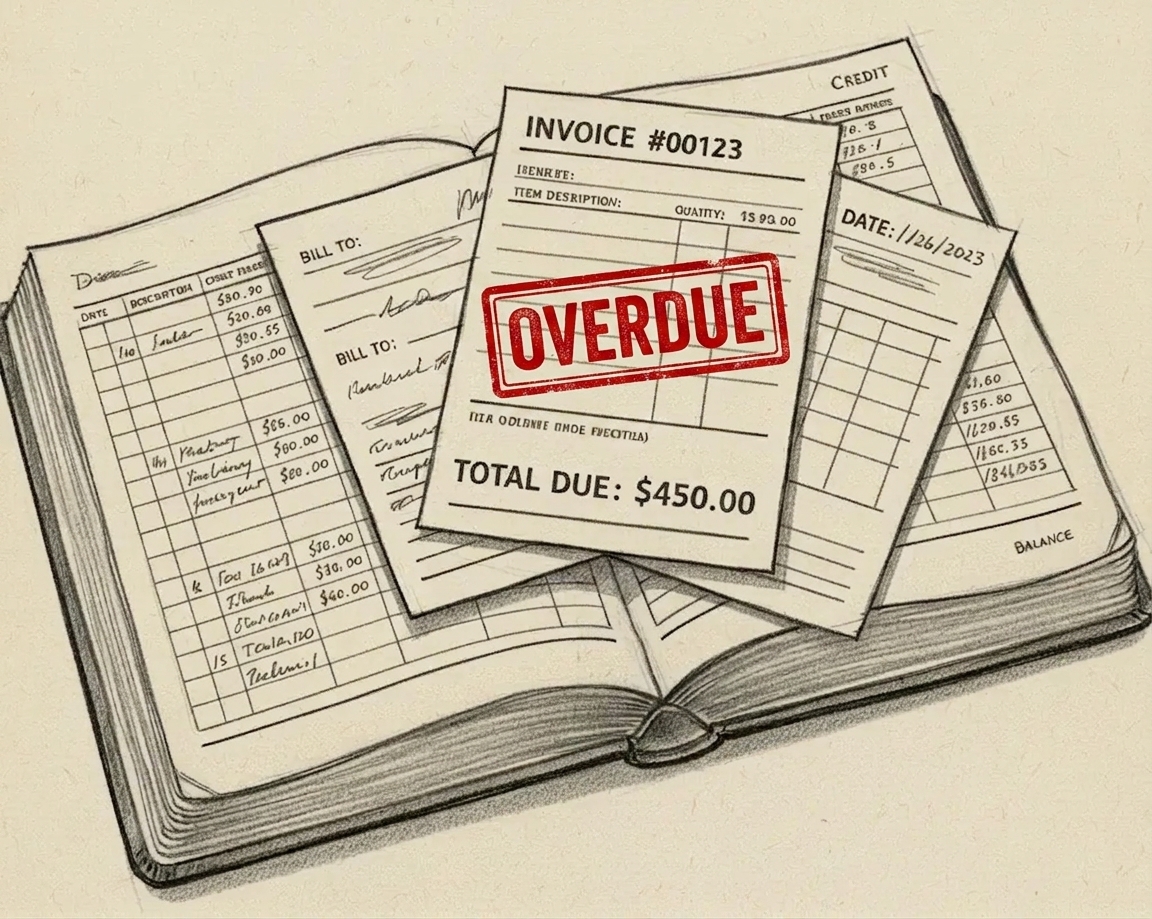
Stop entering invoices by hand. Let AI do it.
April 26, 2026
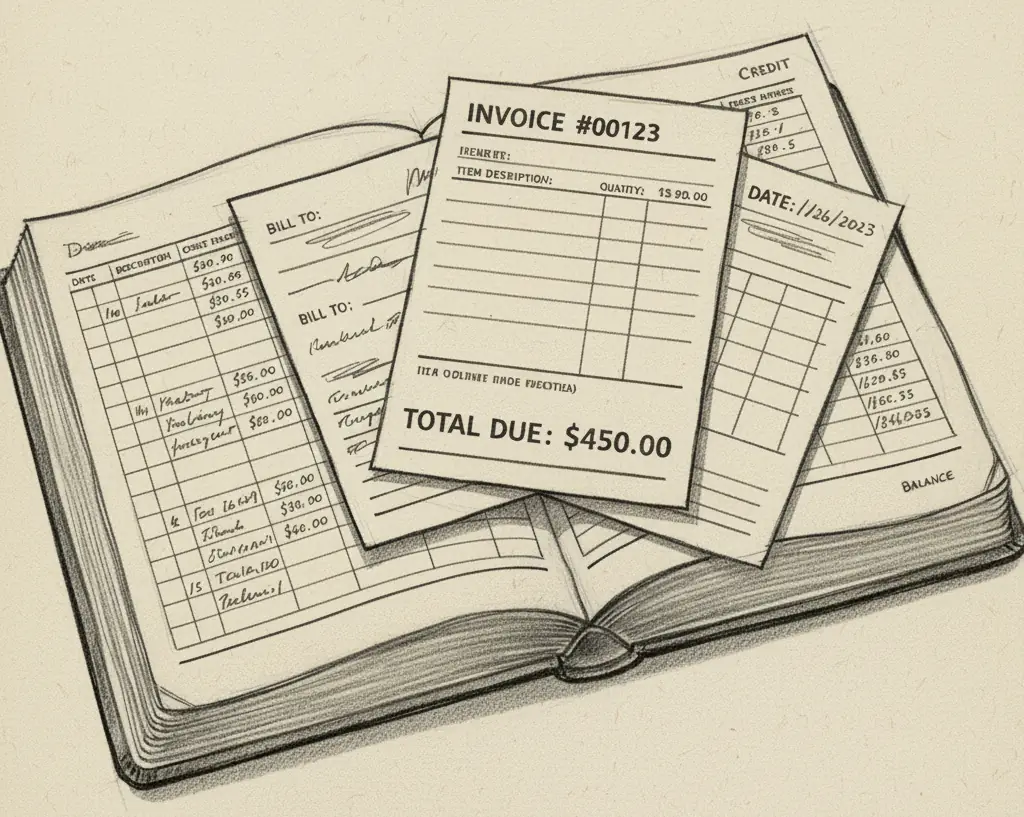
Every business has them. Supplier invoices. Tool hire receipts. Software subscriptions. Service fees. They arrive by email as PDFs, you download them, open the accounting software, and type in the details one field at a time.
It takes around ten minutes per invoice if you are careful. More if the currency is wrong or you need to look up an exchange rate. Less if you rush. Rushing is how errors creep in.
It is not skilled work. It is just slow, repetitive, and easy to fall behind on. The same applies to a busy inbox, which is why Email Triage exists — that one tackles the front end of the same time-sink.
What the automation does
I built an automation that handles this step automatically. You drop a PDF or image of an invoice into a Google Drive folder. The automation reads it, extracts the details — supplier, date, amount, currency — looks up the correct exchange rate if needed, and records everything in the accounting system.
It takes seconds instead of ten minutes, and it does not make the mistakes a person makes when they are tired or in a hurry.
There is also a checking step built in. Before anything is written to the accounting system, the extracted details land in a spreadsheet for you to review. If something looks wrong, you correct it. If it all looks right, you mark it as ready and the automation processes it. Nothing goes into your books without a human having seen it first.
The foreign currency problem
One thing I discovered while building this: most of the invoices I receive are in US dollars. Subscriptions, API providers, software services — a large proportion of them bill in USD.
That means every manual entry also requires a currency conversion. You need the exchange rate for the date of the invoice, not today’s rate. Finding that, applying it correctly, and recording it without error adds time to every invoice and introduces another opportunity to get it wrong.
The automation handles this automatically. It looks up the historical rate for the date of the invoice, applies the conversion, and records both the original amount and the sterling equivalent. One less step, and one less thing to get wrong.
What it costs to run
The AI cost of processing each invoice — reading the PDF, extracting the fields, making sense of the layout — is less than a penny per invoice. At that cost, the automation pays for itself on the first invoice of the month.
The exchange rate lookup uses a free API. The accounting integration uses the accounting system’s own API. There are no per-transaction platform fees beyond the infrastructure the automation runs on.
Is this something your business could use?
If you process more than a handful of invoices or receipts a month, the time saving is immediate. The same logic applies to chasing the invoices you send out: I covered that in the late payment chasing post. The accuracy benefit is harder to put a number on, but easy to appreciate if you have ever had to track down a data-entry error that made it into your accounts and spent an afternoon working out where it came from.
The full technical write-up is in the portfolio if you want to see how it was built.
Or get in touch for a no-cost, no-obligation conversation. If your setup is different — different accounting software, different file types, higher volumes — it is worth a quick chat about what is possible.